07. Firing Up FriendlyChat
Create Project in Firebase Console
Start by navigating to the Firebase Console webpage.
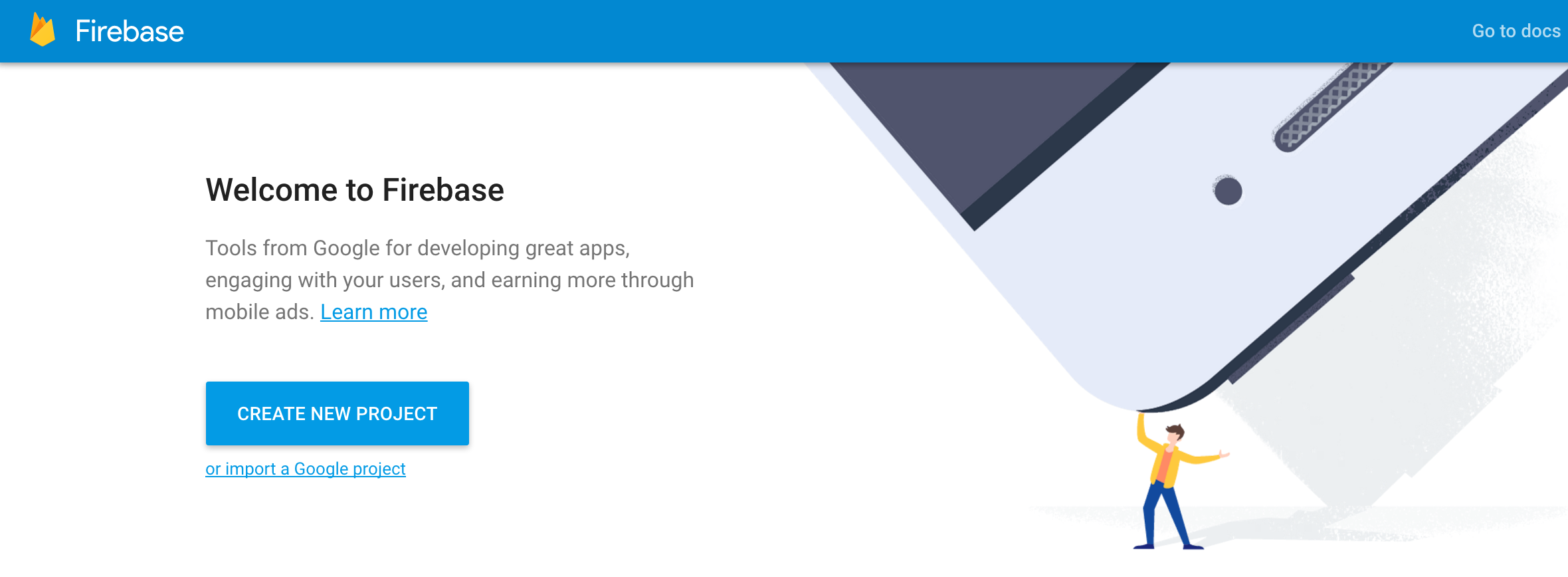
Select "CREATE NEW PROJECT" and name your project.
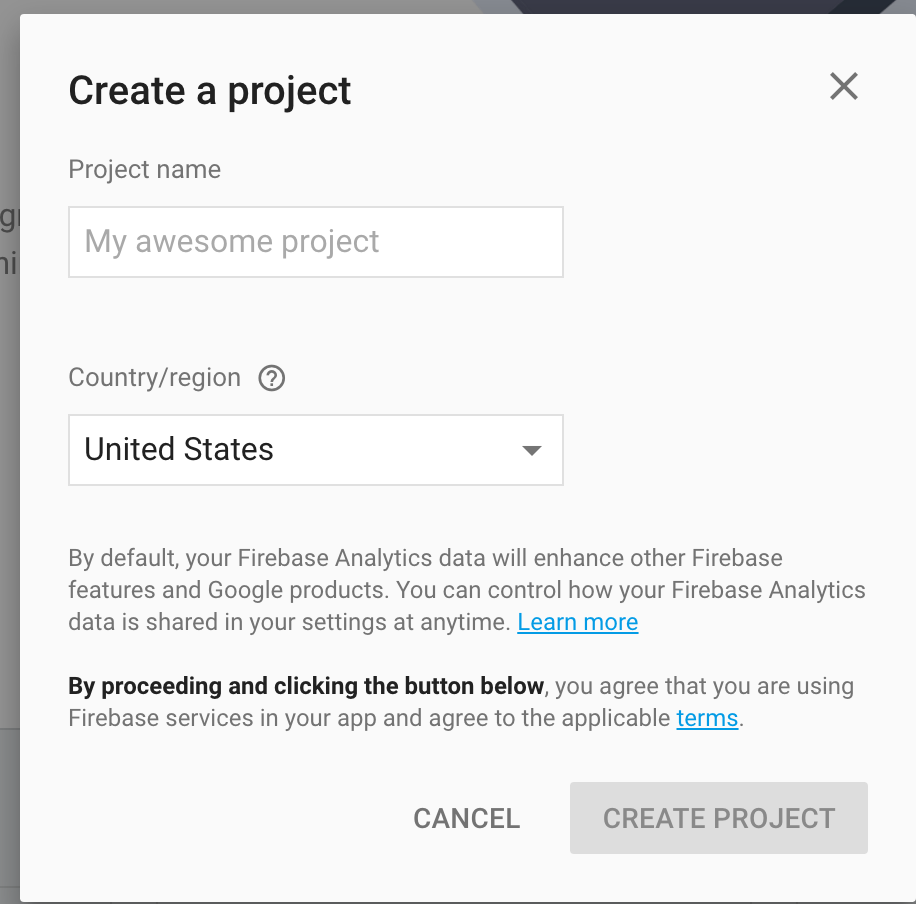
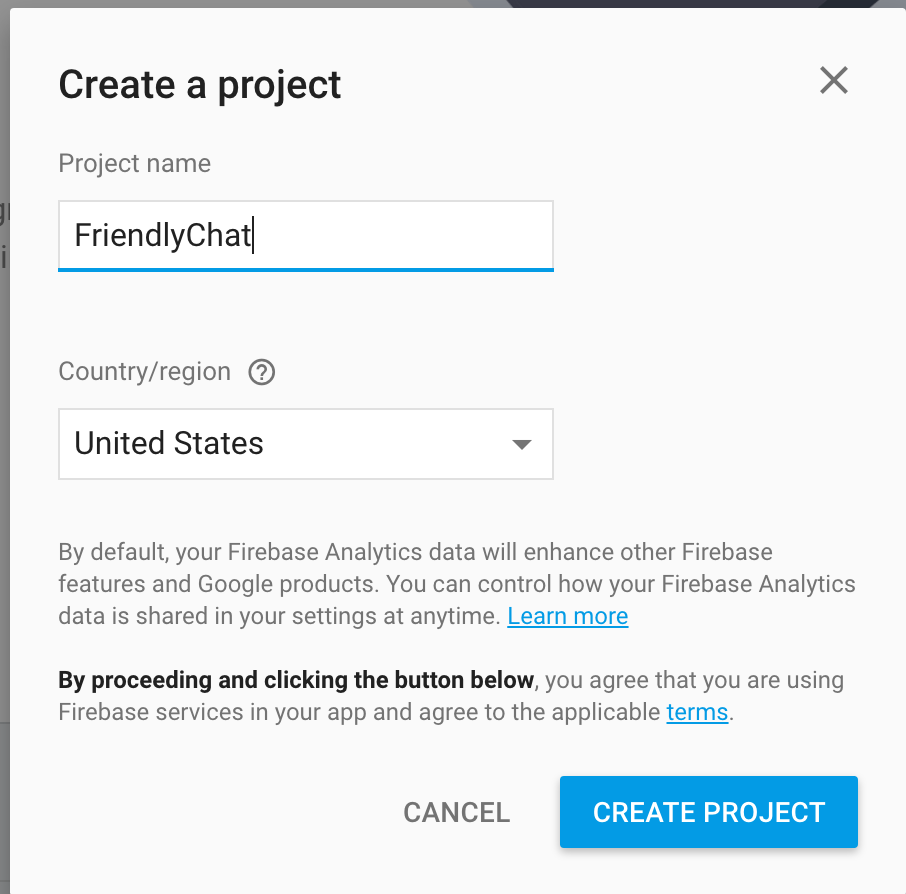
In this case, the name of our app is FriendlyChat, so let’s name the project FriendlyChat as well.
Once your project is created, you can see the project’s Overview page.
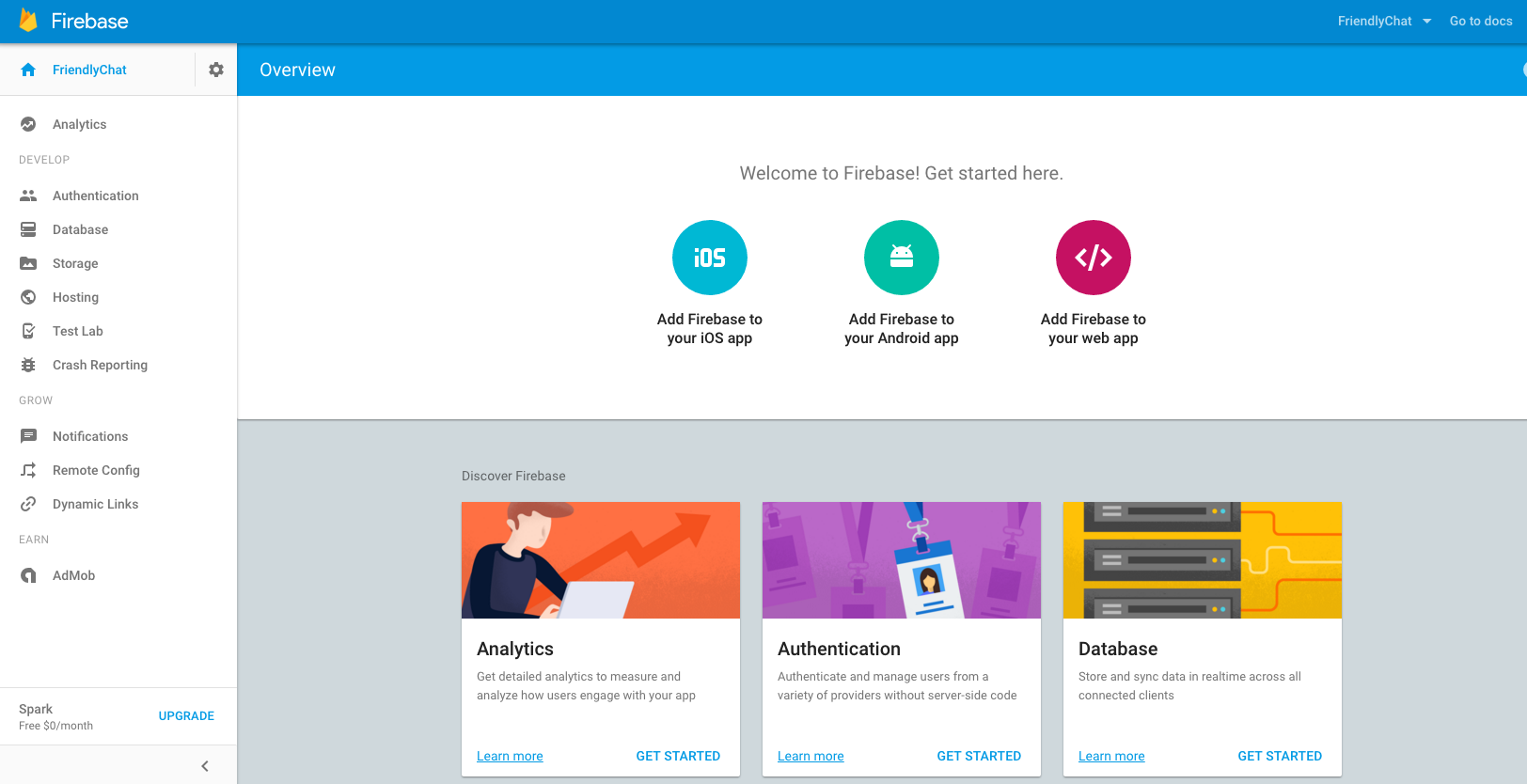
Take a moment to look at the console home page for FriendlyChat. You’ll see tabs on the left associated with many of the features we are going to be exploring. Feel free to click on the tabs and see where they lead. When you’re ready, move on to the next step in setting up your app.